 0d7035cd06
Some checks failed
CI / lint (push) Has been cancelled
* feat: Support vscode breakpoint debugging. fix: Fix the problem that the source code is included after the plug-in is installed

* imp: 优化webbiew的隐藏时加载的方式

---------

Co-authored-by: ccl <chenglong.chen@transwarp.io>
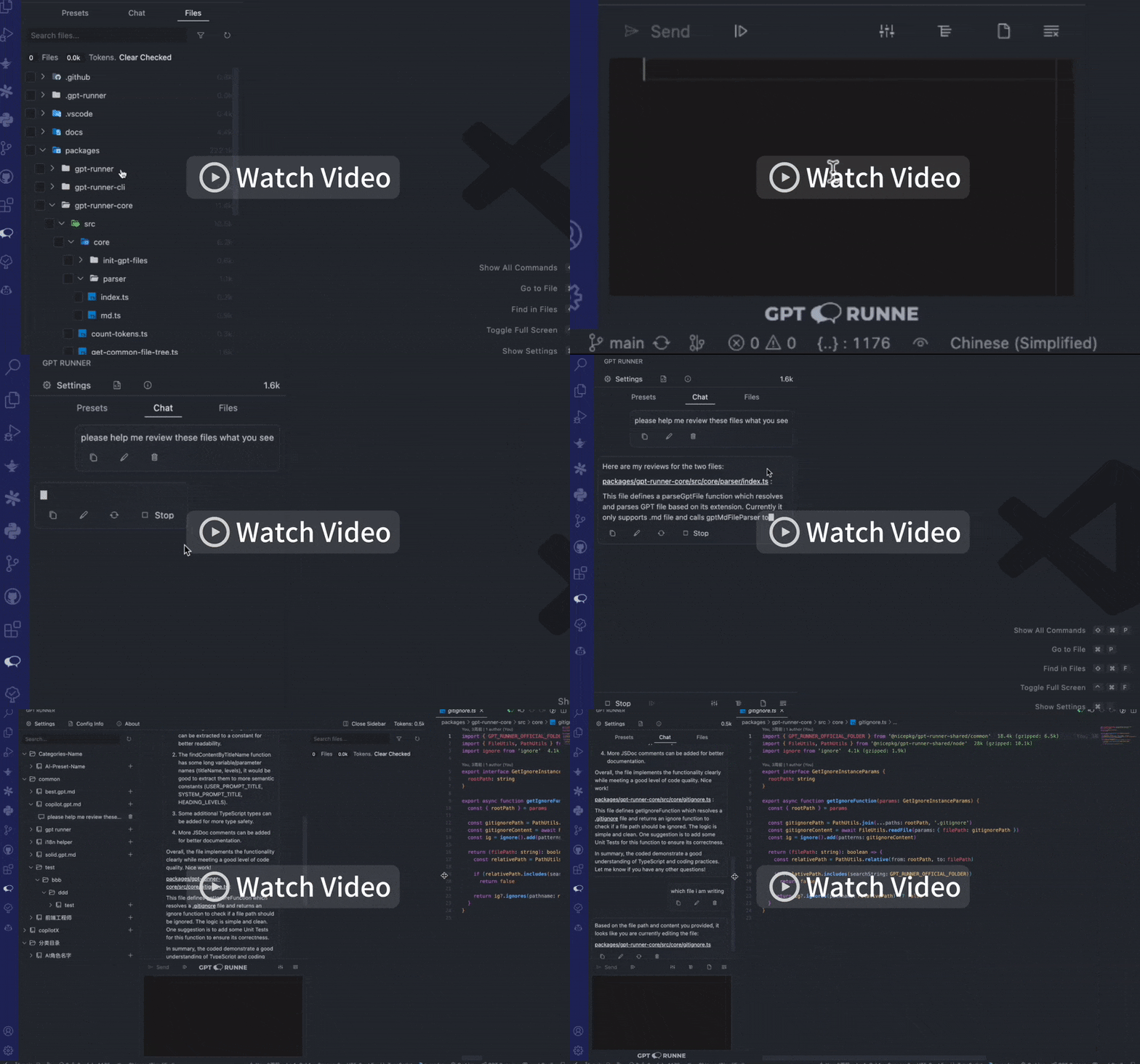
Conversations with your files! Manage and run your AI presets!
与你的文件对话!管理并运行你的 AI 预设!
GPT-Runner VSCode 🧑💻
简体中文 🌏 / English



📚 Table of Contents
⚙️ Features
- 📁 Real-time context: It can observe the files you have edited and the text you have selected to answer your questions.
- 🖥️ Multiple chat window instances: You can not only open a chat in the sidebar, but you can also open a chat page in the editor.
- 📱 Responsive UI: It adjusts its layout automatically based on the current window width.
- 🔗 Shareable LAN links: Click the
🚀 GPT-Runnerat the bottom to open it in the browser. - 🔍 Conversation with code files: Select files or folders to chat with AI in real-time.
- 🔖 Manage your AI presets: Manage your AI presets, it's like the local Storybook for AI presets.
- 🤖 Custom AI Parameters: Flexible control over the configuration of AI models.
- 🔌 Support for third-party LLMs: High compatibility and adaptability.
- 🔒 Privacy-First: Local data storage to protect your privacy.
- 🌎 Localization: Support for multiple languages.
📦 Installation
You can search GPT Runner in the VSCode Extension Marketplace for installation.
Or, click here to install GPT-Runner VSCode Extension.
🚀 Quick Start
- Open a project and click on the chat icon on the sidebar.
- Click to confirm the initialization of the
.gpt.mdfile. - Click settings in the top right corner and fill in your
Open AI KeyorAnthropic Key. - Click preset, then click
+to create a new chat. - You are free to explore the functions within.
- Note the chat icon in the top right corner, which is also clickable
- Note the status bar at the bottom,
🚀 GPT-Runneris also clickable
📖 Documentation
GPT-Runner Configs And AI Preset Files
For details about gptr.config.json configuration file, xxx.gpt.md AI preset file, .gpt-runner special directory, please refer to here:
Introduction to GPT-Runner Configs And AI Preset Files
GPT-Runner Ui Usage
Introduction to GPT-Runner Ui Usage
❓ FAQ
You can contact me via 2214962083@qq.com
对 AI 提升开发效率感兴趣的,可以加我 wechat: qq2214962083 入群交流
要求:会科学上网,使用过 chatgpt
💖 Sponsor
Waiting for your sponsorship...
🤝 Contributors
You can check out our Contribution Guidelines
This project exists thanks to all the people who contribute:
📜 License
MIT License © 2023-PRESENT Jinming Yang